3D printing gets a lot more interesting once you move beyond simply downloading a file and pressing Print.
There are machines to tune, materials to understand, models to design, slicer settings to experiment with, and an almost endless number of things you can build. Sometimes a print works perfectly on the first attempt. Sometimes a small change in orientation, wall thickness, temperature, or support strategy makes the difference between a useful part and a pile of filament.
3Domen.org is a 3D printing blog and resource site built around that process.
We cover practical 3D printing, printer hardware, materials, modeling, design, troubleshooting, upgrades, and the projects that make owning a 3D printer worthwhile. Whether you are printing tabletop terrain, replacement parts, organizers, prototypes, decorations, miniatures, tools, or something completely experimental, our goal is to help you get better results and understand why they work.
Learn 3D Printing by Actually Making Things
There is no substitute for printing.
Specifications and manufacturer recommendations are useful starting points, but real-world 3D printing involves dozens of variables. Different printers behave differently. Filaments that look similar on paper can print very differently. A model that works beautifully at one scale may become fragile or difficult to print at another.
That is why our guides focus on practical results.
We look at questions such as:
- Which settings actually make a noticeable difference?
- When should you use PLA, PETG, ABS, ASA, TPU, resin, or another material?
- How much infill does a functional part really need?
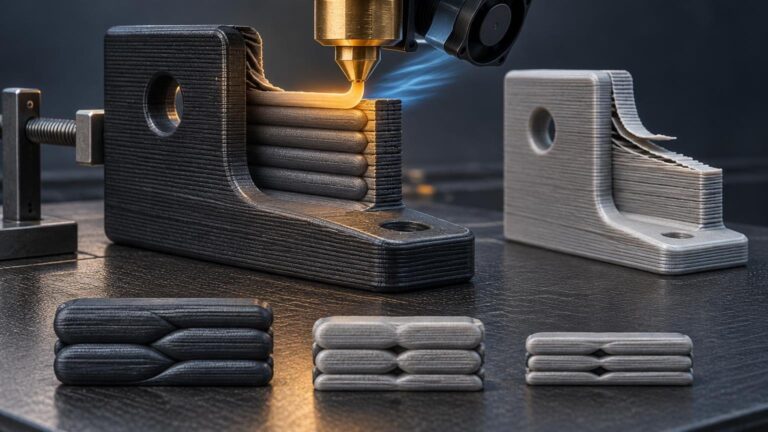
- When are more walls more useful than more infill?
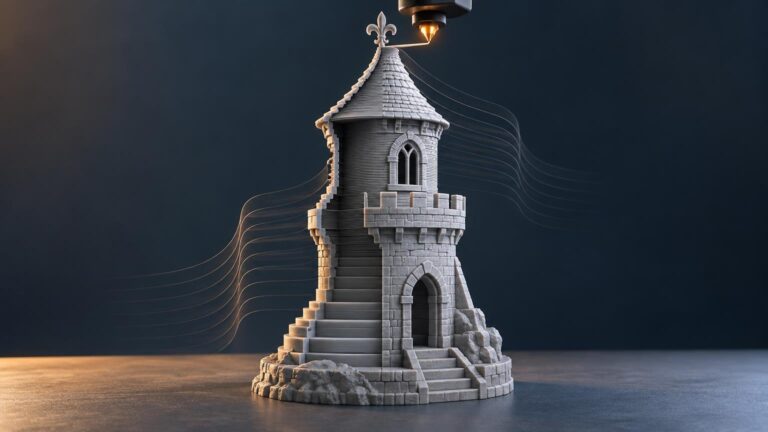
- How can you reduce supports without compromising the model?
- Why are corners lifting, layers shifting, or prints failing?
- How should a model be designed differently when it is intended for FDM printing?
- Which printer upgrades are genuinely useful?
- When does a more expensive printer, nozzle, build plate, or filament make sense?
The goal is not to make 3D printing sound more complicated than it is. It is to make the complicated parts understandable.
3D Printer Guides and Reviews
A good 3D printer should spend most of its time printing rather than being repaired.
Modern printers have become dramatically faster and easier to use, but differences in motion systems, hotends, extruders, build surfaces, firmware, enclosures, sensors, and software can still have a major effect on the experience.
At 3Domen, we explore printers from the perspective of what it is actually like to own and use them.
That includes printer reviews, comparisons, setup guides, maintenance advice, upgrades, calibration, and discussions about when newer technology provides a meaningful improvement.
We are especially interested in the things that become apparent only after the first few prints: consistency, reliability, ease of maintenance, noise, workflow, material compatibility, print quality, and how much intervention a machine requires over time.
Better Prints Through Better Slicer Settings
The slicer is one of the most powerful tools in 3D printing.
Layer height, line width, wall count, infill, cooling, acceleration, support settings, seam placement, bridge settings, and dozens of other parameters determine how the printer turns a digital model into a physical object.
You do not need to obsess over every setting.
You do need to understand the settings that matter for the type of object you are making.
Our slicing guides focus on practical scenarios rather than universal presets. Settings that make sense for a display miniature may be completely different from those used for a structural bracket, a large terrain tile, or a flexible TPU part.
We explain what the settings do, when to change them, and what tradeoffs to expect.
Filament, Resin, and 3D Printing Materials
Material choice changes almost everything about a print.
PLA remains an excellent general-purpose filament, but there are situations where PETG, ASA, ABS, TPU, nylon, filled polymers, engineering materials, or resin are better suited to the job.
3Domen explores printing materials from both a technical and practical perspective.
We look at strength, stiffness, temperature resistance, flexibility, finish quality, dimensional behavior, print difficulty, moisture sensitivity, cost, and the applications where each material makes the most sense.
We also cover the everyday questions that matter after buying a spool: storage, drying, bed adhesion, temperature tuning, surface finish, color consistency, and troubleshooting.
Designing Models That Are Meant to Be Printed
A model can look perfect on a screen and still be poorly suited for a 3D printer.
Good printable design considers layer direction, overhangs, tolerances, wall thickness, bridging, part orientation, assembly, mechanical loads, nozzle size, and the limitations of the manufacturing process.
We explore CAD, mesh editing, parametric modeling, sculpting, relief generation, modular design, and the many small design decisions that make parts easier to print and use.
This is particularly important for models that need to connect with one another.
Snap fits, sockets, clips, hinges, threaded parts, alignment keys, modular tiles, and interchangeable components require more thought than simply matching their nominal dimensions. Printer tolerances and material behavior have to become part of the design.
Troubleshooting Failed Prints
Every 3D printer eventually produces something strange.
Stringing. Warping. Layer shifts. Weak walls. Elephant foot. Poor bridges. Rough top surfaces. Under-extrusion. Over-extrusion. Z-banding. Support scars. Parts that should fit together but somehow do not.
Failures are frustrating, but they are also one of the fastest ways to understand the process.
Our troubleshooting guides focus on identifying the likely cause rather than simply presenting a long list of settings to change.
A good troubleshooting process changes one meaningful variable at a time and uses the result to narrow the problem.
That same approach works whether you are diagnosing a $200 beginner printer or a high-speed enclosed machine.
Functional Prints and Useful Projects
Some of the best 3D prints are not especially glamorous.
A bracket that solves an annoying problem, a custom organizer, a cable guide, a replacement knob, a jig, a tool holder, or an adapter that would otherwise be difficult to buy can demonstrate exactly why desktop manufacturing is so useful.
We regularly explore functional-print ideas, workshop projects, organization systems, household parts, prototypes, accessories, and other practical applications.
These projects are also a great way to learn because they force you to think about strength, tolerances, orientation, assembly, and material selection.
Tabletop Terrain, Miniatures, and Modular Systems
3D printing has transformed tabletop gaming.
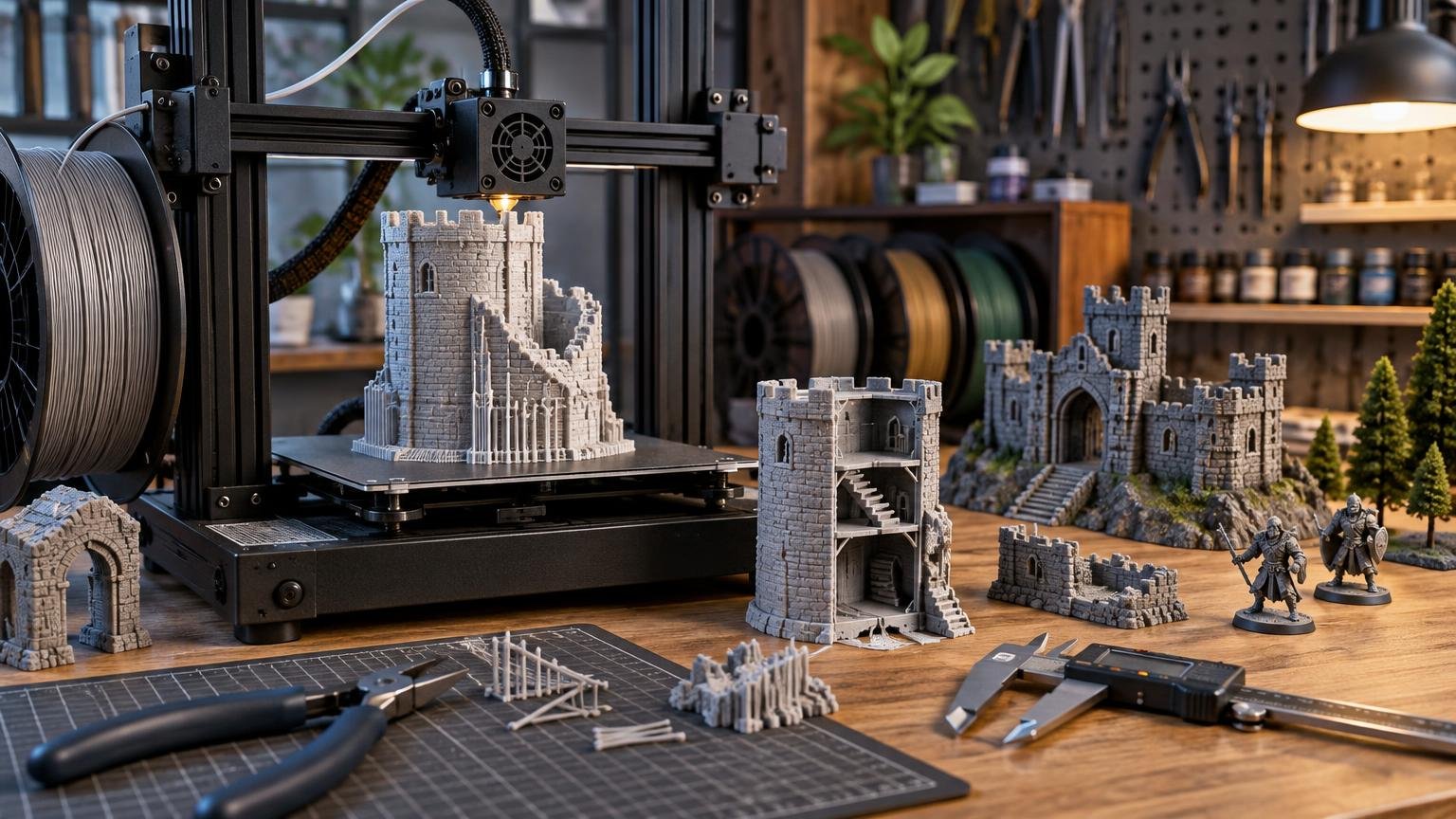
Terrain that once required hours of scratch building can now be designed digitally, modified, duplicated, and printed whenever it is needed. Entire modular dungeon, city, wilderness, and battlefield systems can be created around a common set of dimensions and connectors.
We explore terrain design, modular tiles, walls, buildings, elevation systems, gaming accessories, miniature printing, surface textures, connectors, and methods for creating pieces that assemble quickly while still looking natural on the table.
For us, tabletop printing is particularly interesting because it combines nearly every part of the hobby: mechanical design, artistic modeling, materials, printer tuning, repeatable production, and actual use of the finished pieces.
3D Printing Is an Iterative Hobby
One of the most useful habits in 3D printing is becoming comfortable with versions.
Version one does not need to be perfect.
Print it. Test it. Measure it. Find the weak point. Change the model. Print it again.
A tolerance may need another tenth of a millimeter. A wall may need another perimeter. A connector may need more clearance. A texture may need more depth to survive the layer height. A large part may need a different orientation or reinforcement strategy.
That cycle of designing, printing, testing, and improving is what turns 3D printing from a novelty into a genuinely useful manufacturing tool.
It is also a big part of what we want to document at 3Domen.
From First Print to Advanced Projects
You do not need an engineering background to get into 3D printing.
You also never really run out of things to learn.
A beginner might start by learning how to slice an STL and keep a build plate clean. A few months later, the same person may be designing assemblies, tuning material profiles, modifying meshes, printing large multi-part projects, or creating an entirely original product.
3Domen is intended to be useful at both ends of that journey.
Our beginner content explains concepts without assuming that you already know the vocabulary. More advanced articles go deeper into design, mechanics, calibration, materials, and repeatable production.
You can take what is useful for your project and leave the rest for another day.
Build Something
The best way to understand 3D printing is to make something.
Browse our latest 3D printing guides, printer reviews, material tests, design tutorials, troubleshooting resources, and project ideas. Try a technique. Modify a model. Test a new material. Fix something around the house. Build terrain for your next game. Design a part that did not exist yesterday.
Then print another version.
That is what 3Domen is about.